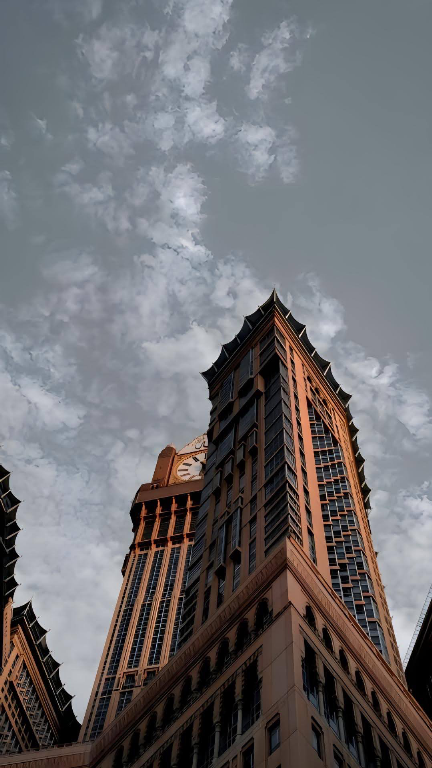

Empire State in White Fog wallpaper
Empire State in White Fog is a free city wallpaper from the ZaPixel catalogue, sized for iPhone and Android lock and home screens.


Free, with no account. The full 4K file is in the app.
Set it on iPhone
- Open Empire State in White Fog in ZaPixel and preview it on the lock screen.
- Tap Save — it goes straight to Photos.
- In Photos, tap Share › Use as Wallpaper.
Set it on Android
- Open Empire State in White Fog in ZaPixel.
- Tap Set, then choose home screen, lock screen or both. Undo is one tap away.